Most quantity surveyors still take off with a scale rule (or a PDF markup tool) and price in Excel. Spreadsheets are flexible and familiar — but as projects grow, the spreadsheet way quietly costs time and accuracy. This guide looks at where it breaks down, what changes when take-off and estimating live in one cloud tool, and how to make the switch without losing what works.
The spreadsheet way
A typical spreadsheet workflow splits the job across tools: you measure on a printed drawing or a separate PDF viewer, write the quantities onto a take-off sheet, then re-type them into a pricing workbook where rates and formulas turn them into a bill. It works — plenty of good bills have been built this way — but the measurement, the quantities and the price all live in different places, held together by hand.
Where it breaks down
The cracks show up as projects get bigger and deadlines get tighter:
- Re-keying. Every quantity typed from the drawing into the sheet is a chance to fat-finger a number.
- No link to the drawing.A figure in a cell doesn't know which wall it came from, so checking or revising means measuring again.
- Broken formulas and version chaos.A dragged formula, a deleted row, or "final_v7_revB.xlsx" on someone's desktop — small slips that move the total.
- Painful revisions. When the architect issues a revision, you re-measure and re-key the affected work by hand and hope nothing downstream was missed.
- Hard to collaborate. One person owns the workbook; everyone else waits.
What changes in the cloud
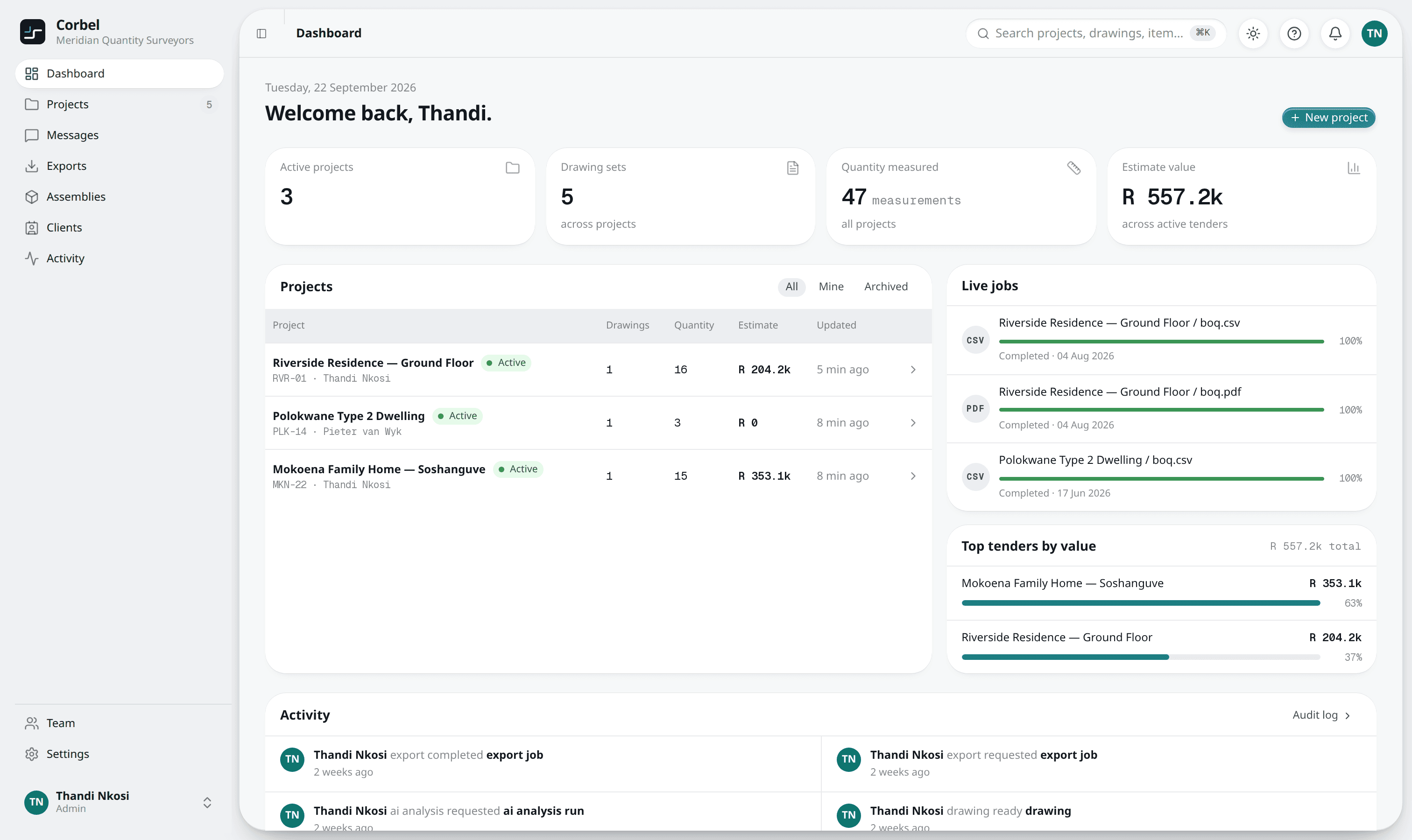
Cloud take-off & estimating software collapses those separate tools into one model. The quantities come off the drawing, and the quantities, rates and bill are linked — not three copies kept in step by hand:
- Read, then measure. Corbel reads what the drawing states — schedules, printed room areas, the scale — for you to confirm, and you draw the rest on the PDF. No re-keying.
- One source of truth. Each quantity stays linked to where it came from, so totals roll up automatically and every number can be traced.
- Priced from your library. Quantities pick up rates from your own rate library, and one click drafts a priced ASAQS bill.
- Built to collaborate. Projects live in one place your team can share, with roles and a full activity history.
What you keep
Moving off spreadsheets doesn't mean giving up what you rely on. You keep Excel — the finished bill exports straight to it (and to PDF or CSV, or Xero / Sage / Procore templates). You keep the ASAQS format your clients expect. And you keep control of your rates — your price list becomes a rate library you own and maintain. Excel stays in your toolkit; it just stops being the place you do the measuring and re-keying.
Making the move
A switch doesn't have to be all-or-nothing. A low-risk way in:
- Start with one project. Run your next tender in the cloud alongside your usual process and compare.
- Bring your rates. Import your price list (or load the SA starter library) so pricing feels familiar from day one.
- Export as normal. Send the ASAQS BoQ out to Excel or PDF exactly as you do today.
Curious how the measuring and pricing actually work? See How to do a take-off from a PDF drawing and How assemblies turn your take-off into a priced BoQ.